Examples
Complete working examples are available in the examples/ directory of the repo - each one is a real, runnable .data.yaml you can cd into and try.
Example 1: HTTP Handler - Tracking CDC Growth Chart Data
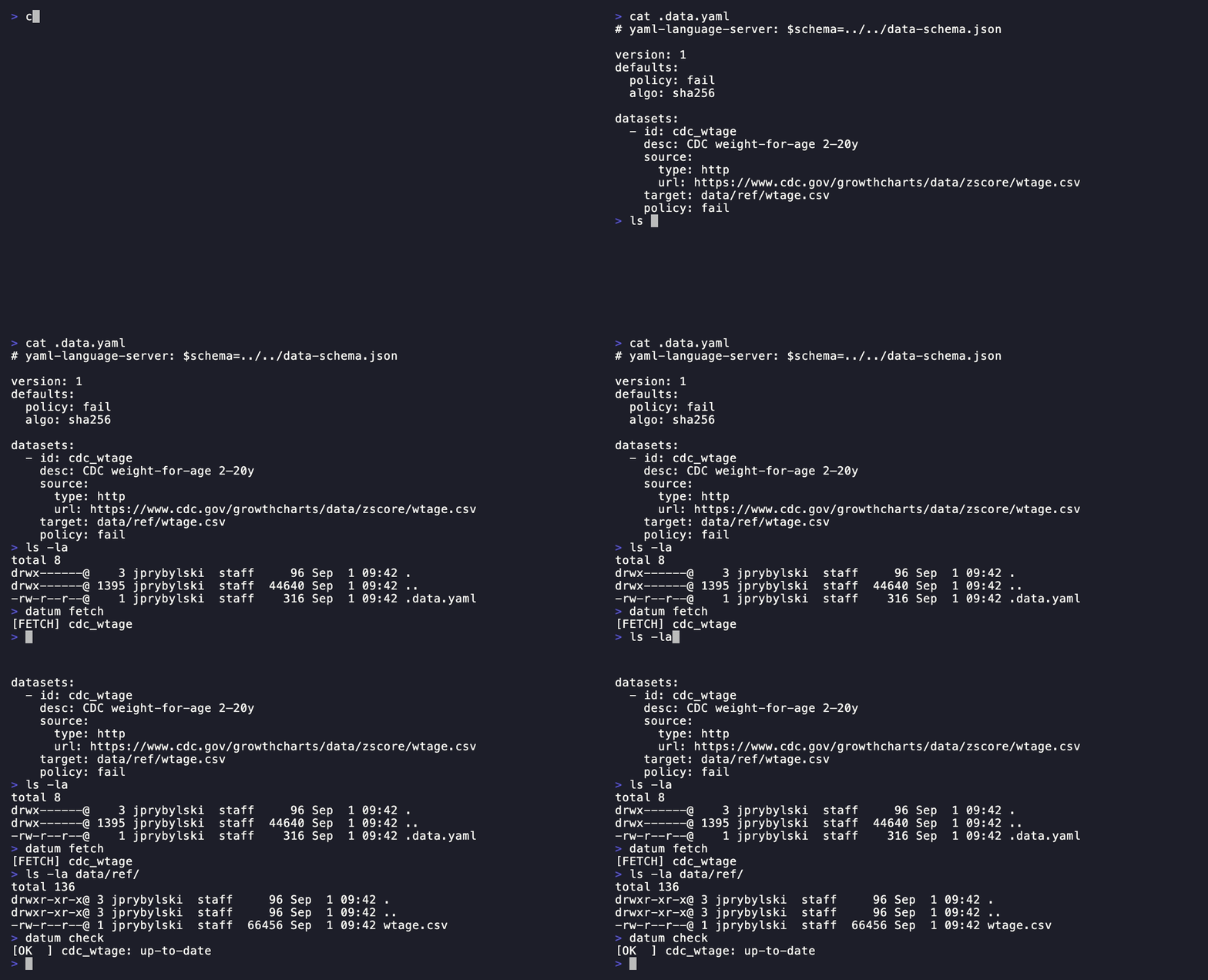
From examples/basic/.data.yaml:
version: 1
defaults:
  policy: fail
  algo: sha256

datasets:
  - id: cdc_wtage
    desc: CDC weight-for-age 2–20y
    source:
      type: http
      url: https://www.cdc.gov/growthcharts/data/zscore/wtage.csv
    target: data/ref/wtage.csv
    policy: fail
This example fetches CDC reference data for weight-for-age charts. The fail policy ensures your pipeline breaks if the upstream data changes unexpectedly.
Try it:
cd examples/basic
datum fetch
datum check
🎬 Watch a live run
Example 2: Git Handler - Tracking Dependency Licenses
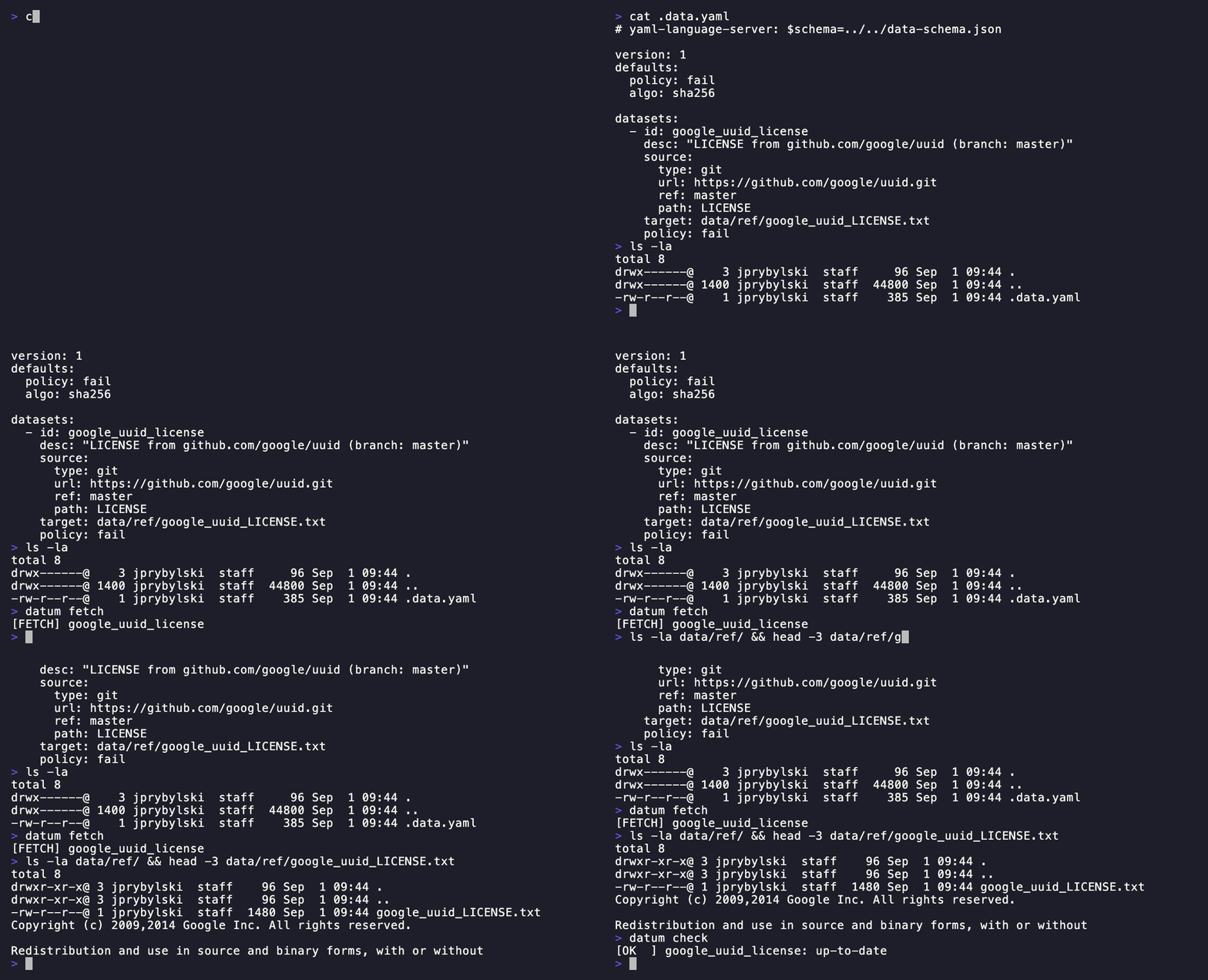
From examples/git-one-file/.data.yaml:
version: 1
defaults:
  policy: fail
  algo: sha256

datasets:
  - id: google_uuid_license
    desc: "LICENSE from github.com/google/uuid (branch: master)"
    source:
      type: git
      url: https://github.com/google/uuid.git
      ref: master
      path: LICENSE
    target: data/ref/google_uuid_LICENSE.txt
    policy: fail
This example tracks the LICENSE file from a GitHub repository, useful for compliance tracking or ensuring you’re always using the correct license text.
Try it:
cd examples/git-one-file
datum fetch
datum check
🎬 Watch a live run
Example 3: File Handler - Copying Local Files
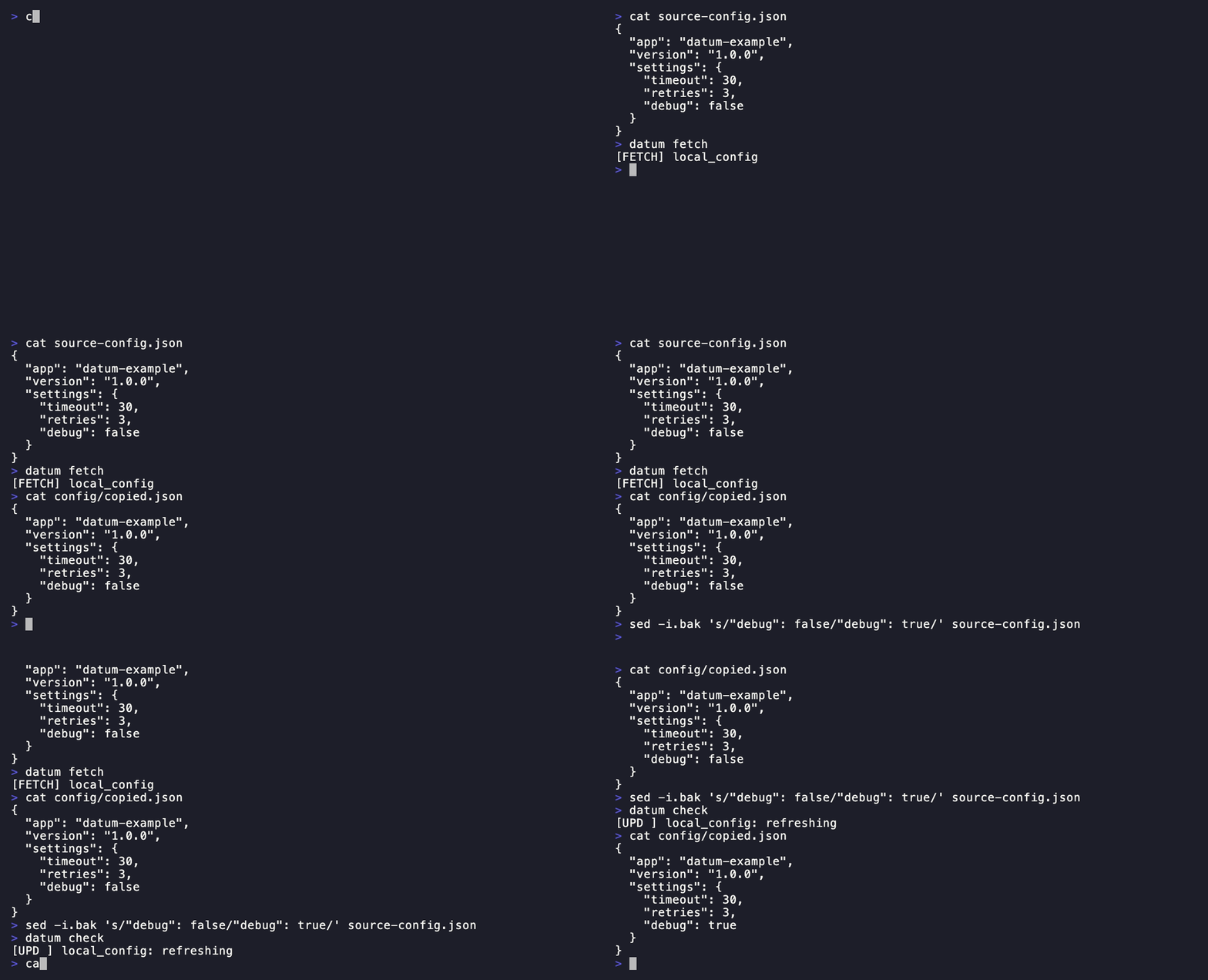
From examples/file-copy/.data.yaml:
version: 1
defaults:
  policy: update
  algo: sha256

datasets:
  - id: local_config
    desc: Configuration from local path
    source:
      type: file
      path: source-config.json
    target: config/copied.json
    policy: update
Use the file handler to copy files from local paths or network shares, with automatic updates when the source changes.
Try it:
cd examples/file-copy
datum fetch
datum check
🎬 Watch a live run
Example 4: Command Handler - System Information
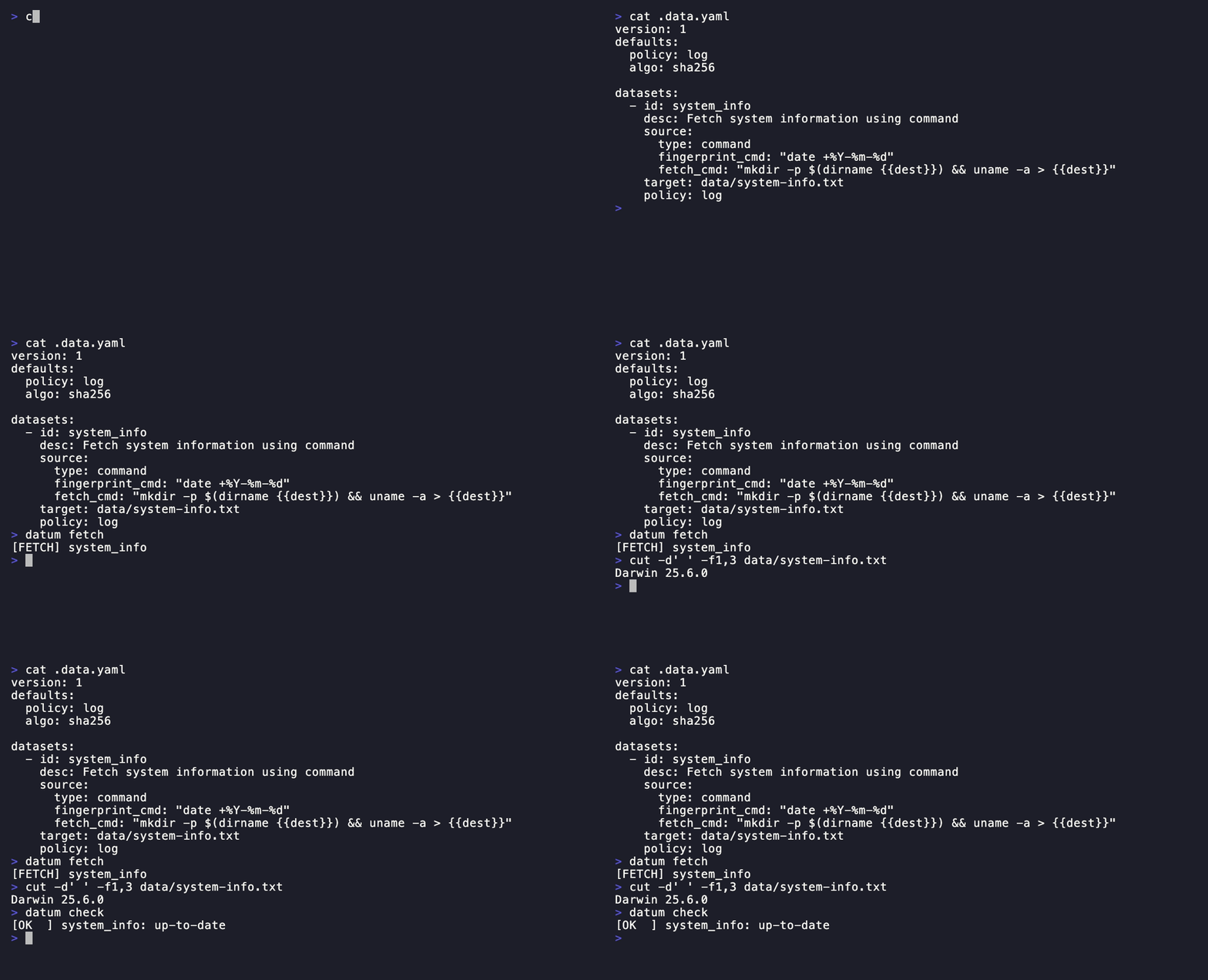
From examples/command-system/.data.yaml:
version: 1
defaults:
  policy: log
  algo: sha256

datasets:
  - id: system_info
    desc: Fetch system information using command
    source:
      type: command
      fingerprint_cmd: "date +%Y-%m-%d"
      fetch_cmd: "mkdir -p $(dirname ) && uname -a > "
    target: data/system-info.txt
    policy: log
The command handler allows custom fetch logic using shell commands. This example captures system information and uses a date-based fingerprint.
Try it:
cd examples/command-system
datum fetch
datum check
🎬 Watch a live run
Example 5: Multi-Source with Fallback
From examples/multi-source/.data.yaml:
version: 1
datasets:
  # Fallback from primary HTTP source to backup HTTP source
  - id: cdc_wtage_with_backup
    desc: CDC weight-for-age data with fallback source
    sources:
      - type: http
        url: https://www.cdc.gov/growthcharts/data/zscore/wtage.csv
      - type: http
        url: https://example.com/backup/wtage.csv
    target: data/wtage.csv
    policy: fail

  # Fallback from HTTP to local file
  - id: config_with_local_fallback
    desc: Configuration file with local fallback
    sources:
      - type: http
        url: https://config.example.com/app-config.json
      - type: file
        path: ./backups/app-config.json
    target: data/app-config.json
    policy: update
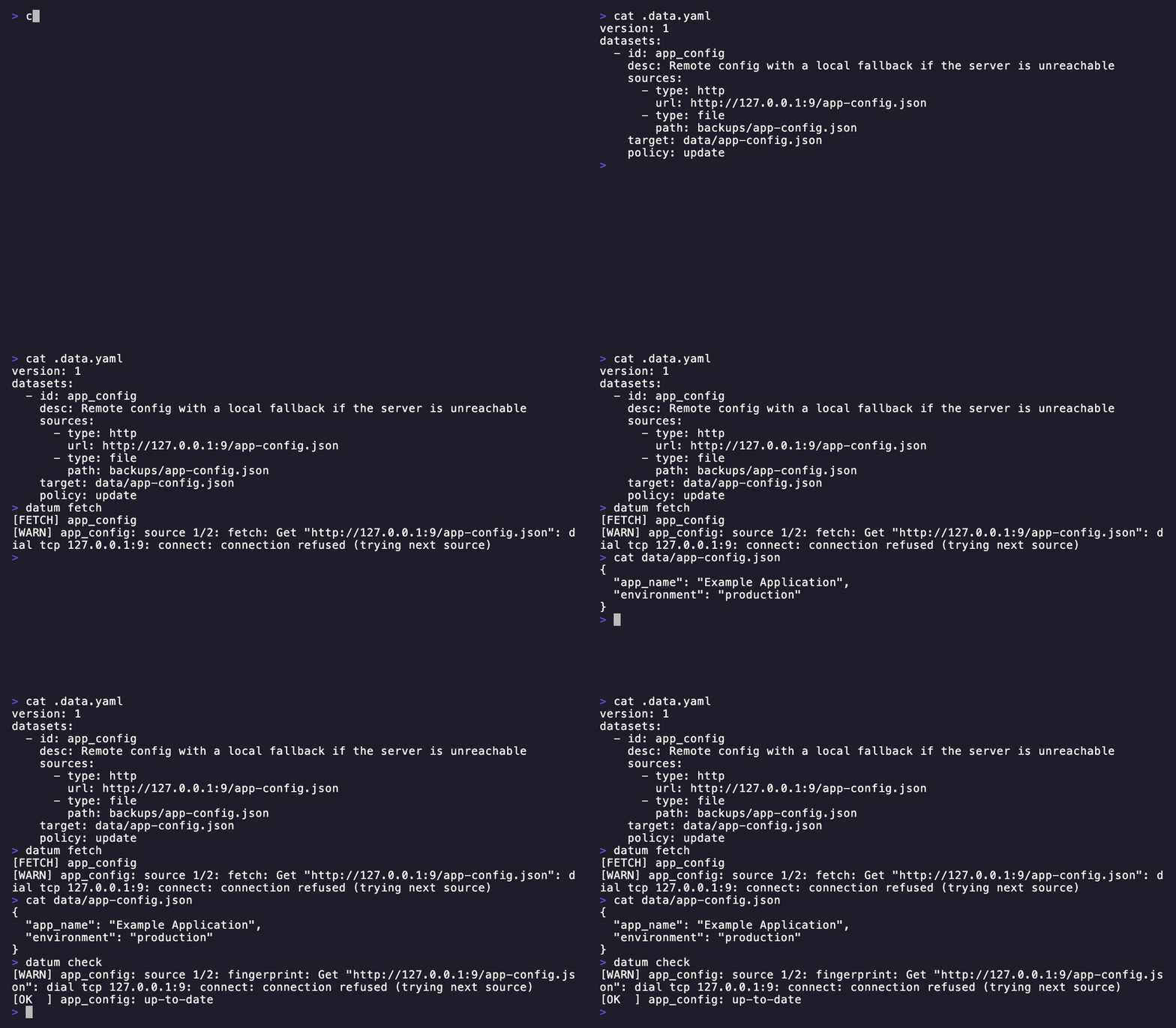
This example demonstrates multi-source functionality where datum automatically falls back to alternative sources if the primary source fails. This is useful for high availability, geographic redundancy, and offline development workflows.
Try it:
cd examples/multi-source
datum fetch
datum check
🎬 Watch a live run
This recording uses a scratch config with an unreachable HTTP source (a closed local port) and a local file fallback, rather than examples/multi-source itself, whose .data.yaml uses illustrative but unreachable mirror URLs (example.com, mirror1-3.example.com) - fine to read as sample config, but not something a recording can run against deterministically. The behavior shown is the same: datum fetch logs a [WARN] for the failed source and falls back to the second one.
Example 6: Multiple Datasets with Different Policies
From examples/multi-policy/.data.yaml:
version: 1
defaults:
  policy: fail
  algo: sha256

datasets:
  # Critical reference data - fail if changed
  - id: cdc_wtage
    desc: CDC weight-for-age 2–20y
    source:
      type: http
      url: https://www.cdc.gov/growthcharts/data/zscore/wtage.csv
    target: data/wtage.csv
    policy: fail

  # Auto-update documentation
  - id: uuid_license
    desc: Google UUID library license
    source:
      type: git
      url: https://github.com/google/uuid.git
      ref: master
      path: LICENSE
    target: docs/licenses/uuid-LICENSE.txt
    policy: update

  # Monitor for changes
  - id: uuid_readme
    desc: Google UUID readme
    source:
      type: git
      url: https://github.com/google/uuid.git
      ref: master
      path: README.md
    target: docs/uuid-README.md
    policy: log
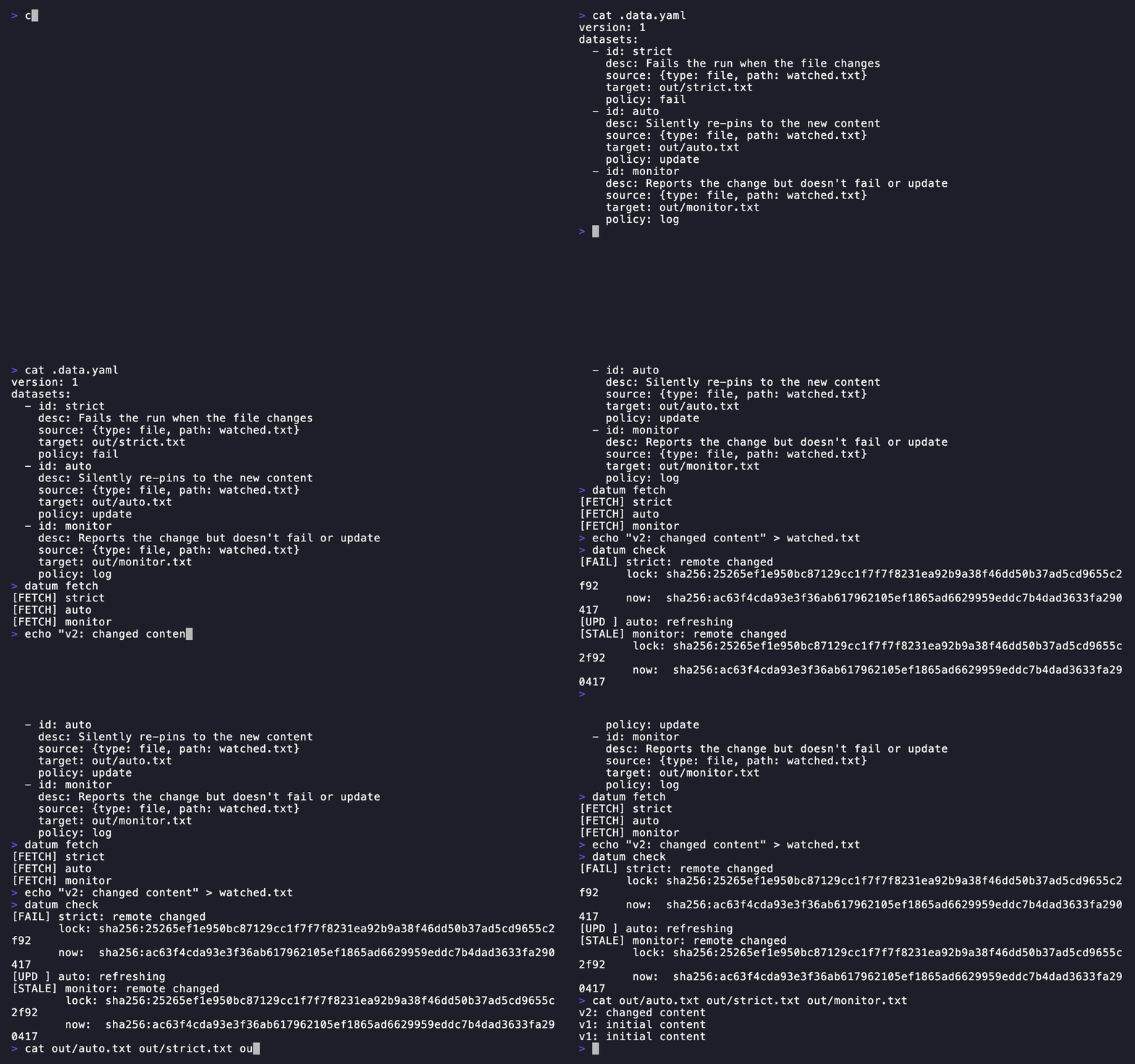
This example demonstrates using different policies for different types of data: strict verification for critical data, automatic updates for documentation, and monitoring-only for informational tracking.
Try it:
cd examples/multi-policy
datum fetch
datum check
🎬 Watch the same change hit `fail`, `update`, and `log`
To isolate what each policy actually does, this recording uses a simplified stand-in config - one local file tracked three times, once per policy - rather than examples/multi-policy itself (whose three datasets track three unrelated sources). After the file changes, datum check reacts three different ways in one run: fail blocks with [FAIL], update silently re-pins with [UPD ], and log reports it with [STALE] and moves on.
Example 7: File Handler - Directory Sync
From examples/directory-sync/.data.yaml:
version: 1
defaults:
  policy: update
  algo: sha256

datasets:
  - id: directory_dataset
    desc: "Entire source-data/ directory tracked and synced as one dataset"
    source:
      type: file
      path: source-data
    target: synced-data
    policy: update
Pointing the file handler’s path at a directory instead of a single file tracks the whole tree as one dataset: every file gets recreated under target, and files removed from source-data/ are removed from synced-data/ on the next fetch. See Directory sources for details.
Try it:
cd examples/directory-sync
datum fetch
datum check
🎬 Watch a live run, including a deleted file dropping out of sync